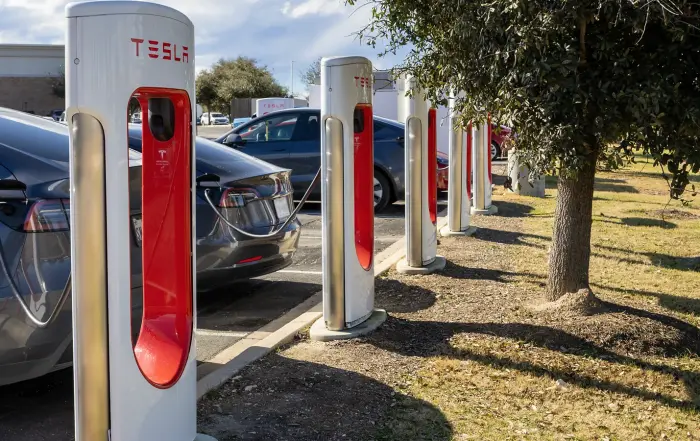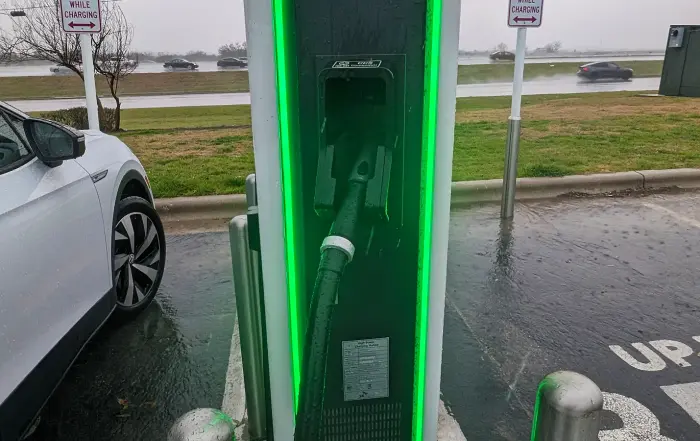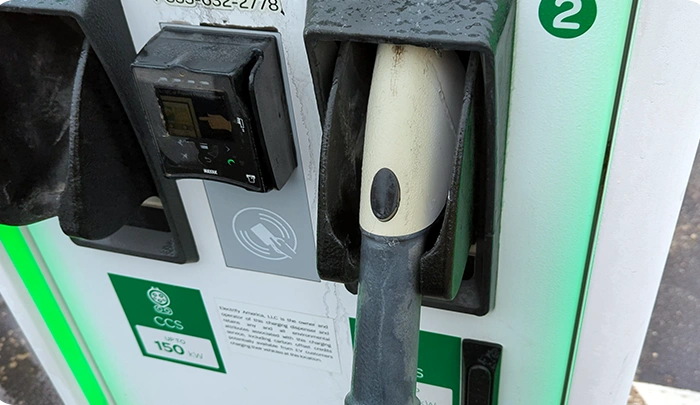

Do you have a CCS-based electric car without native access to Tesla’s Supercharger network, or did you leave your NACS adapter at home? You can still access some of these fast chargers if they have a Magic Dock. Here’s how.
What Is Tesla’s Magic Dock?
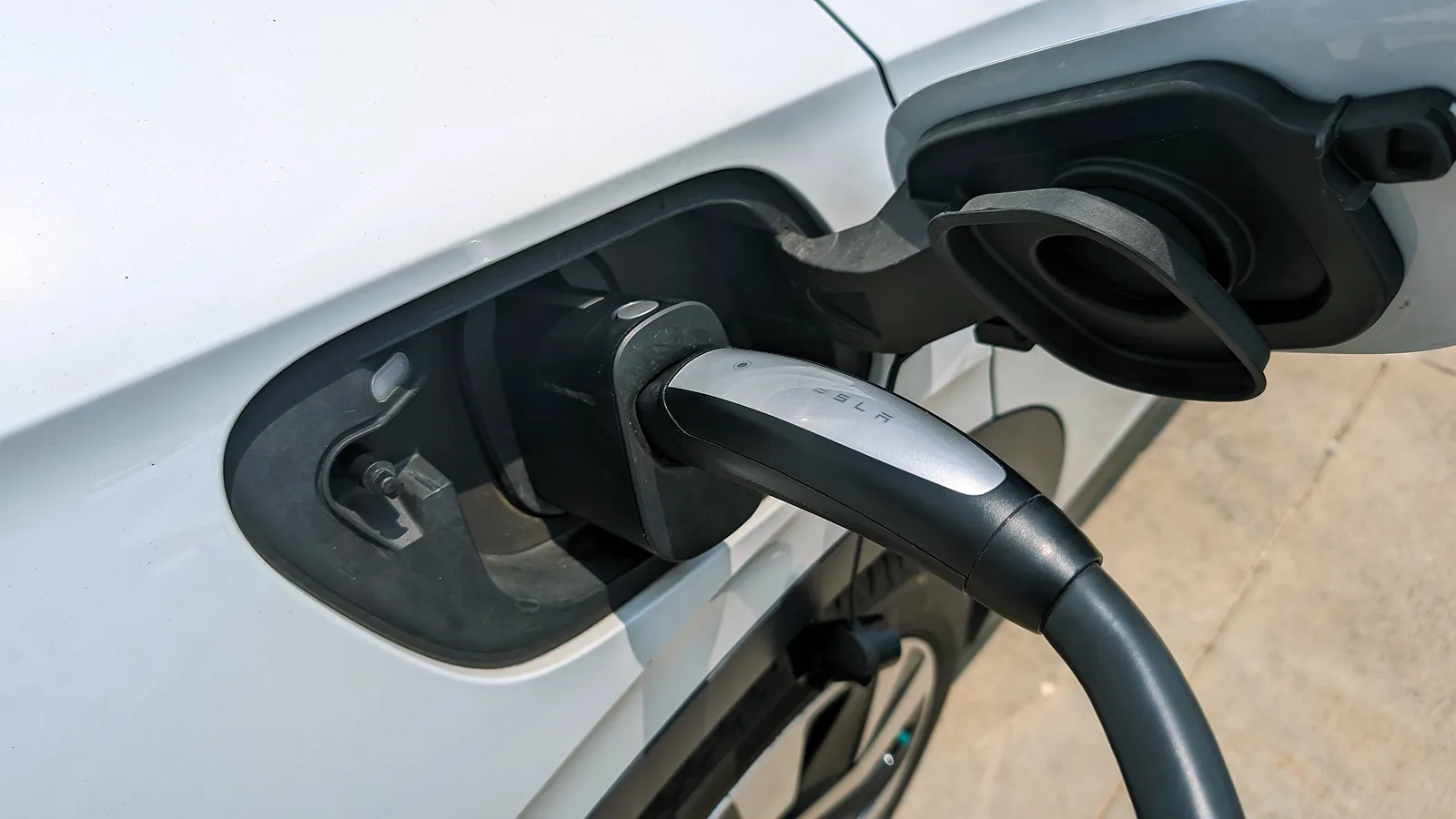
Magic Dock is the name of Tesla’s built-in CCS-to-NACS (Tesla) adapter that has been added to some Supercharger locations. It allowed non-Tesla electric cars, like my Volkswagen ID.4, to charge at these stalls before most carmakers were granted native access in 2025. Today, it’s mainly useful for the few CCS models that never received native access, like the first-generation BMW i3, or for drivers without an adapter handy.

Tesla’s Magic Dock is just a CCS-to-Tesla adapter.
If you have an EV that’s already partnered with Tesla for Supercharging, such as the Ford Mustang Mach-E or Rivian R1S, you can still use the Magic Dock if you don’t have an adapter with you, but with your own adapter, your vehicle can charge at a much broader set of locations. Keep in mind that Tesla is no longer expanding Magic Dock installations, since most new Supercharger sites are NACS-only, so the number of locations is limited.
How to Find Tesla Supercharger Magic Dock Locations
There are two easy ways to locate Superchargers that offer the Magic Dock adapter: the Tesla mobile app and Tesla’s website.
Using the Tesla Mobile App
First, download the Tesla app and create an account. You’ll need to add a valid credit card, which will automatically be billed when you plug in.
In the app, select “Find a Charger,” and on the next screen, you’ll see a popup that says, “Add Your Vehicle Details,” where you should fill out your EV’s information to ensure there aren’t compatibility problems. Make sure that you select that you don’t have an NACS adapter and to show only chargers that provide 72 kW of energy or more, so the map will automatically filter to Magic Dock locations.

The app is the quickest way to find Magic Dock-enabled Superchargers near you.
The app will then display all nearby Magic Dock-enabled Superchargers. You can also search by address as well. Magic Dock-enabled Superchargers will appear on the map as a red dot that you can tap to show more information, such as cost and pictures of the location.
Using Tesla’s Website
You can also go to tesla.com/findus and select the “Superchargers open to other EVs” option to see a map of locations as well. Please note that the filter “open to NACS partners” is only for those non-Tesla electric vehicles that have been granted native access and may not necessarily have a Magic Dock charger available.

The text “adapter included for other EVs” confirms a station has a magic dock.
I recommend always confirming Magic Dock availability by checking the location details for the phrase “adapter included for other EVs.”
How to Use Tesla’s Magic Dock Superchargers
Using the Magic Dock can be a bit tricky at first due to the design, but here’s how to go about it.
Once you arrive at the Supercharger location, find an empty spot. Keep in mind that it’s possible not all Superchargers at a location have the Magic Dock adapter, so always double-check on your phone before pulling in to save yourself some time.
Once you are parked, open the Tesla app again and:
- Select “Find a Charger”
- Choose the location you are at
- Press “Charge Here”
The next screen will show the current cost, your credit card information, and a list of chargers. Locate the unit ID of the stall you are parked in (found at the bottom of the charger).

Make sure you select the right charging stall in the Tesla app.
After confirming the location in the app, you’ll be instructed to remove the charging handle. This can be tricky due to the design. You must remove the handle with the Magic Dock still attached.
To do this, press and hold the charging handle button for 2–3 seconds. Then push the handle in toward the stall to engage the Magic Dock and pull it back toward you. Now, you can just insert it into your car like every other fast charger.

Make sure you press and hold the charging handle button for 2-3 seconds before pushing it in to engage the adapter.
It might take a minute or two, but you should be charging in no time. Once you are done, removing the Magic Dock can also be a bit confusing. You need to press “Stop Charging” in the app, make sure your EV’s charge port is unlocked, and then push the physical button on top of the Magic Dock adapter first before unlatching the entire charging handle from the vehicle.
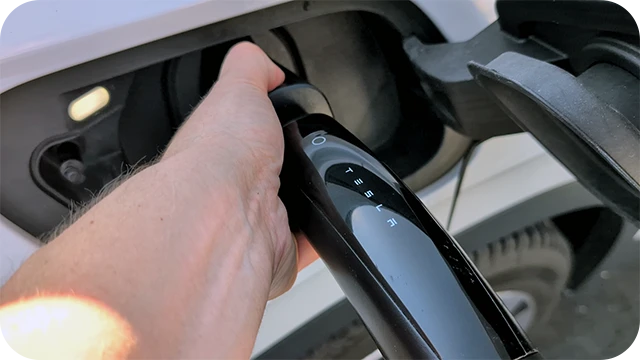
Push the button on the Magic Dock first, before pulling out the charging handle.
Afterward, place the charging handle and Magic Dock back into the stall (making sure the adapter engages and locks into place), and you are good to go!
Tesla Supercharger Magic Dock FAQ
Where Do You Buy a Tesla Supercharger Magic Dock?
You can’t buy a Tesla Magic Dock. They are built-in adapters within the Supercharger stalls themselves. If you own a Tesla-partnered EV, you can purchase a separate adapter from your car maker if one isn’t provided, which can be used at even more Supercharger locations.
What’s the Difference Between a Magic Dock and CCS Adapter?
A Magic Dock is essentially a Tesla-to-CCS adapter, but they are built into Supercharger stations. Partnered EVs can purchase additional adapters to use at select charging stations.
Do Magic Dock Users Have to Pay More?
There’s no additional cost to use a Magic Dock. You’ll pay the same base price as every other EV owner to use the station.
Can Partnered EVs Still Use Magic Docks?
Yes, even if you own a partnered electric car like the Chevrolet Blazer EV, you can still use Tesla Superchargers with the Magic Dock if you forgot your adapter at home or haven’t purchased one.
Does Using a Magic Dock Affect Charging Speed?
No, your electric car will still get the maximum available charging speed based on the charger’s output and what it can accept. The adapter does not limit charging speeds, but other factors can cause slower charging.
Sources
Related Articles