
You’ve purchased your first EV and now you want to use public charging stations. Though some are free to use, most stations are not. So, how do you pay to use them?
Do EV Charging Stations Take Credit Cards?
Yes and no. While most public charging stations will have a credit card reader, there are others that require you to pay through an app. Most notably, Tesla’s Superchargers don’t offer a way to pay at the stall (outside of a few test stations).
Instead, you must create a Tesla account and add a valid credit card, which is automatically billed when you plug in.
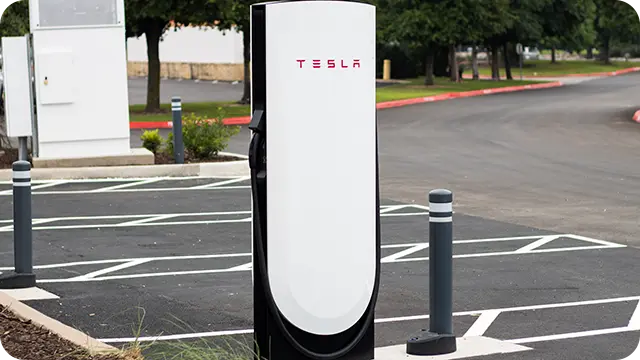
Outside of a few test locations, nearly all of Tesla’s Superchargers lack a payment terminal.
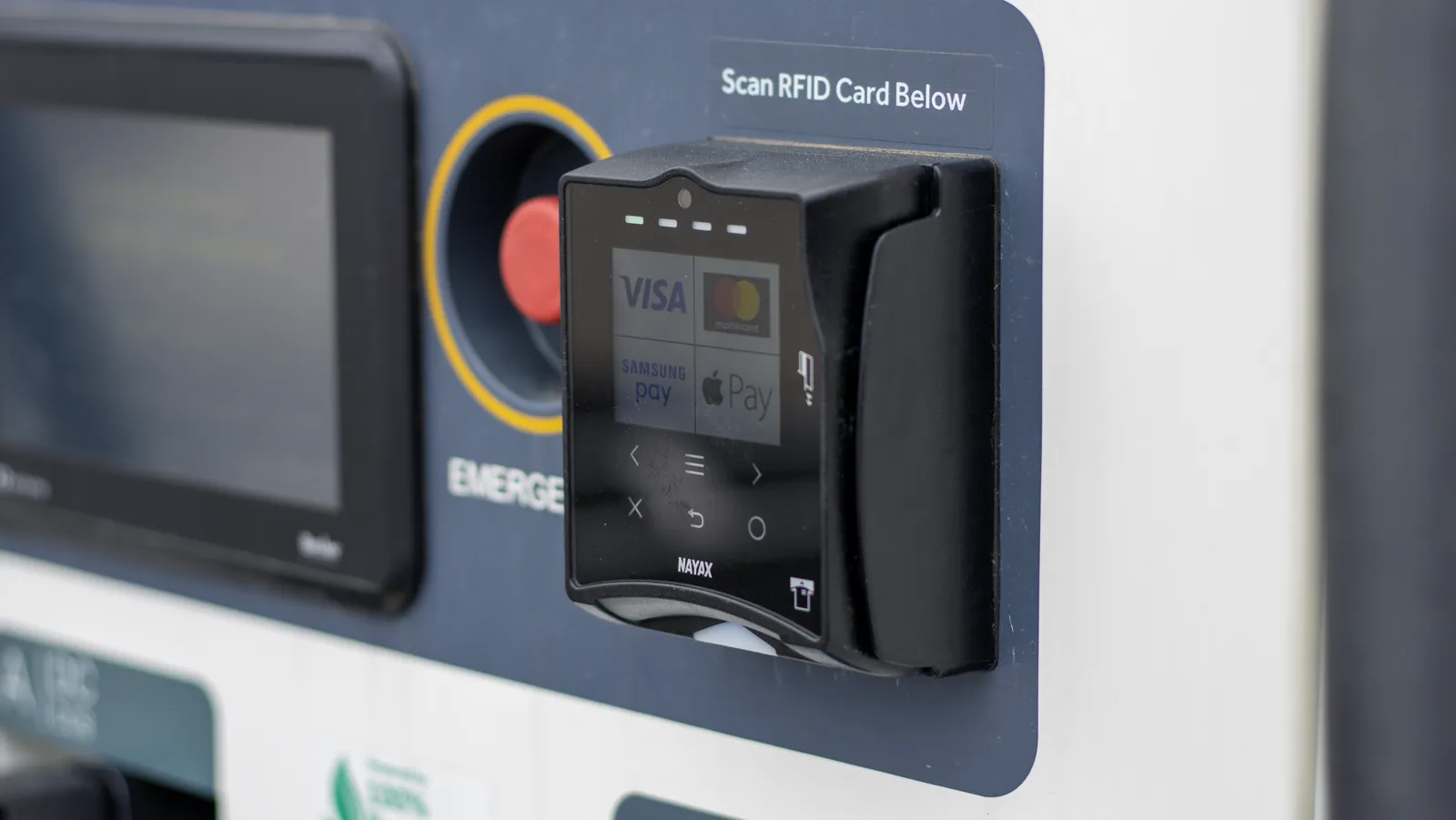
Otherwise, many chargers have credit card readers right on the front of the stalls where you can swipe, tap, or insert your card.

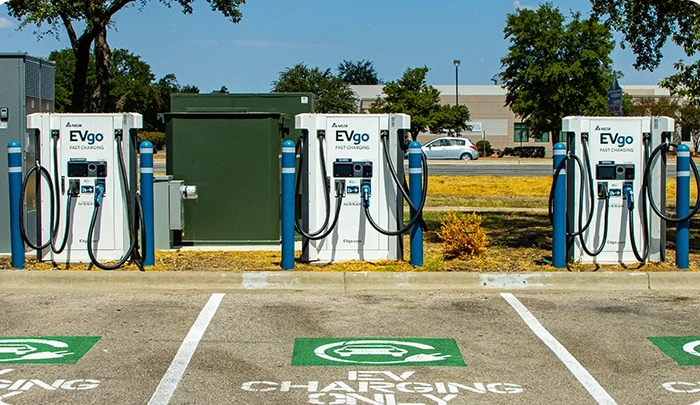
A card reader can usually be found on EVgo stations.
Google Pay, Apple Wallet & NFC Payments
There are also some chargers that only accept near field communication (or “NFC” for short) payments like Google Pay, Apple Wallet, or contactless credit cards.
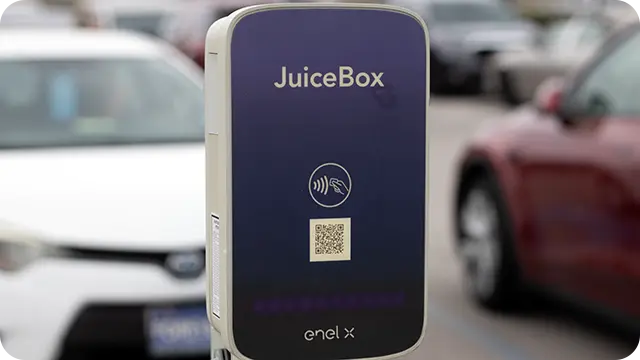
This JuiceBox charger only accepts NFC payments like contactless credit cards.
Just like checking out at a retail store, you simply hold your phone or credit card next to the NFC reader and it should automatically detect your default payment method. Just be sure to have this feature turned on in your phone’s settings.
Profiles & Apps Save Time
For most charging networks, there’s an even easier way to pay without having to deal with a card reader at all. You can sign up for a free account and download the network’s mobile app, which will allow you to save a payment method that can be billed automatically when you start a session.

I’ve run into issues with payment terminals at charging stations before. It’s always best to try the app as a backup.
In this situation, you’ll activate charging using the mobile app, or it may start automatically once you plug in. Some chargers will require a free account and the app to start a session anyway, so I’d recommend setting one up before leaving your house.
Charging Company Apps to Download
Here’s a list of the largest EV charging networks in the US. I would consider downloading the app for each, creating a free account, and adding a payment method just so you have it ready to go when you need it.
How Much Does It Cost to Charge an EV?
The cost to charge your car can vary widely depending on the charging rate and the provider’s cost structure. Some stations charge by the energy provided (measured in kWh), have time-of-use plans, or base their fees on session length.
You can find pricing information using the network’s mobile app or within the display screen menus directly (if the station has one). On average, you can expect to pay between $0.25 and $0.50 per kWh of energy delivered.

Pricing can be found in a network’s mobile app.
Always double-check the cost of charging before plugging in. Don’t assume the price is similar just because stations are in the same area. Unfortunately, because charging infrastructure isn’t mature yet, some providers can really hike the fees up.
Finding Free Charging Stations
Yes, there are public charging stations that are completely free to use. They usually provide slower Level 1 and Level 2 charging rates but can often be found at places like hotels or POIs where you can leave your car plugged in for long periods of time.
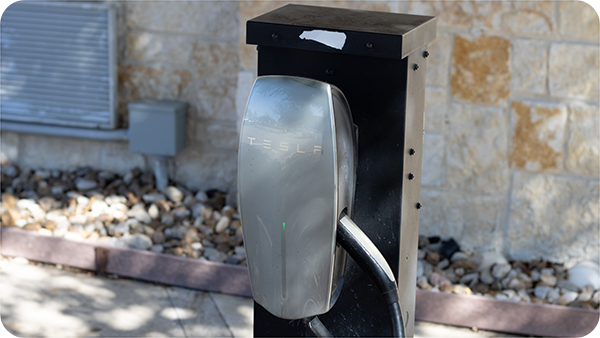
Tesla destination chargers, like this one, are often free for customers of the business that operates them.
The best way to find free public charging stations is by using an app like PlugShare or ChargeHub.

Please keep in mind that if a free charging station is at an apartment complex, hotel, or similar location, they are typically reserved for customers or residents. If you really need the range, sometimes businesses will let you use their equipment if you just ask or pay a fee.
More Tips
Here are some things to know that could save you some time and money.
- Lots of free stations are Tesla destination chargers. Any EV can use them, but non-Tesla EVs need an adapter to do so.
- Charging networks offer paid memberships that provide discounted rates for a monthly fee.
- Surprisingly, these fees pay for themselves in only a session or two if you are filling up your battery.
- Avoid stations with time-based fee structures if your battery is more than 50% full. You’ll get less energy for your money.
- If a station’s payment terminal isn’t working, that doesn’t mean you can’t use the charger.
- It’s always worth trying to pay for and start a session through the network’s mobile app.
- EVgo lets you earn rewards for charging credits after you spend a certain amount.
Paying for Charging FAQ
Here’s some additional information about how to pay for EV charging.
Can You Pay for EV Charging with Cash?
No, there isn’t a way to pay for EV charging with cash. Though gas stations are operated by the businesses you are fueling up at, this isn’t how EV charging works in most cases.
Are You Required to Sign Up with a Network?
This depends on the network. If you are using Tesla’s Superchargers, then it is required to create a Tesla account with a valid credit card. Other networks, like ChargePoint, have payment terminals that you can use each time you charge instead.
Is It Cheaper to Pay Using the App?
Some networks, like Blink, do offer discounted charging rates if you sign up for an account and use their app to pay for your session. This isn’t typical for most networks, though. There are other benefits to using a network’s app, like being able to view your charging history in case there’s an issue.
Sources
Related Articles