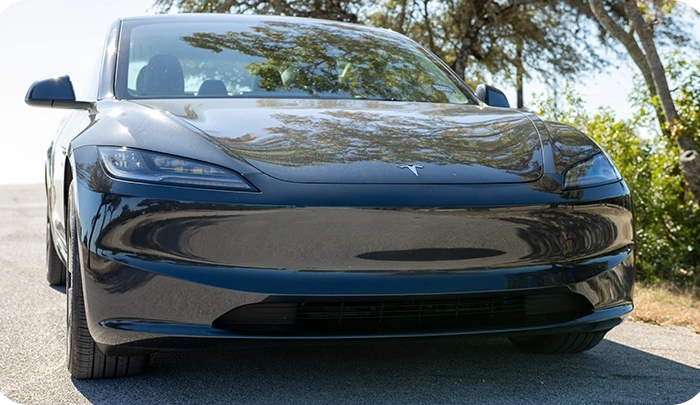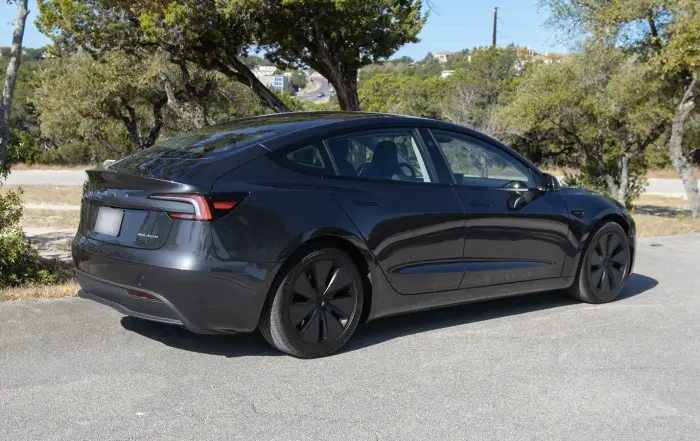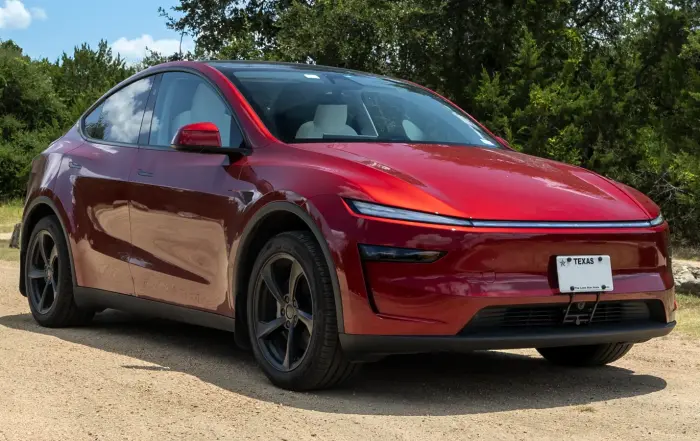


What are the pros and cons of buying a used Tesla? Where is the best place to find one? As a 3-time buyer, owner, and seller, here’s what I recommend.
Are Pre-Owned Teslas Worth It?
Let’s start by answering the most important question: should you even consider a used Tesla? The answer is, absolutely. Thanks to higher levels of depreciation (sorry new car buyers!) you can commonly find a 1-3 year old Tesla with a relatively low amount of mileage and a price tag 20-40% less than that of new models.

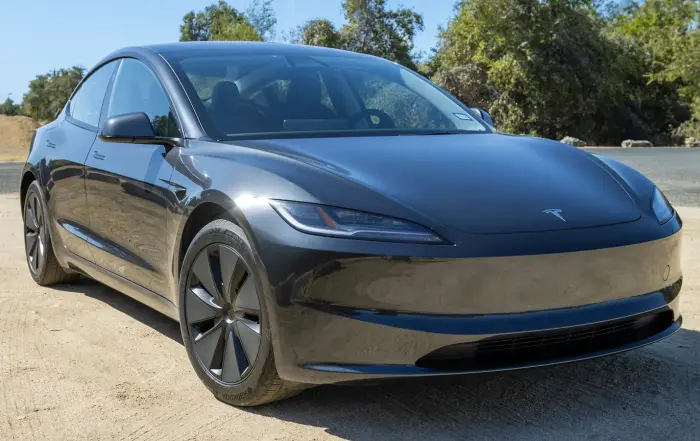
Though both the Model 3 and Model Y have been recently updated, older cars still have a lot to offer.
So, you could drive a gently used Tesla, with all of its great benefits and features and multiple years left of the warranty for much less. As long as you don’t need the latest and greatest, there are only a few downsides to consider.
Cons of Used Teslas
Some downsides exist to going the pre-owned route, like with every other car. You need to consider three things in particular about used Teslas, though.
Build Quality Issues
Tesla’s reputation for build quality is that it’s hit or miss, which has been the case with my own as well. When Tesla releases a new model, panel gaps may not be the best, and things generally improve over time. Even if the car still has some factory warranty, Tesla may not fix gaps or materials showing premature wear and tear. (This is the origin of the infamous “within spec” phrase in the EV community.)
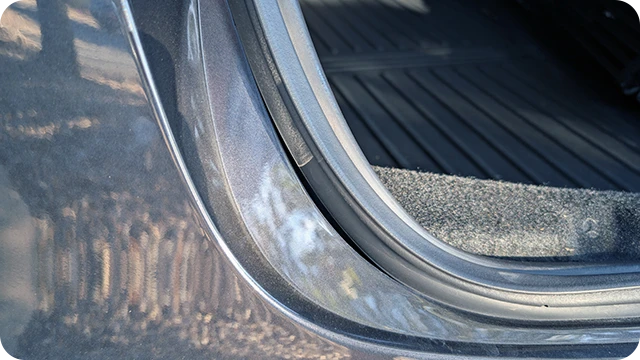
Unfortunately, many of these issues affect even the newest models, so you’ll need to keep this in mind when deciding what car to buy and what to look out for.
Battery Health
Harmful charging habits can deteriorate an electric car’s battery cells. These include how often the owner fully cycled it (100% to 0% state of charge) or if they regularly charged it to 100% and left it there for long periods. It’s highly unlikely the previous owner damaged the battery enough in a couple of years to notably impact longevity, unless you buy a Tesla an Uber driver used or something.
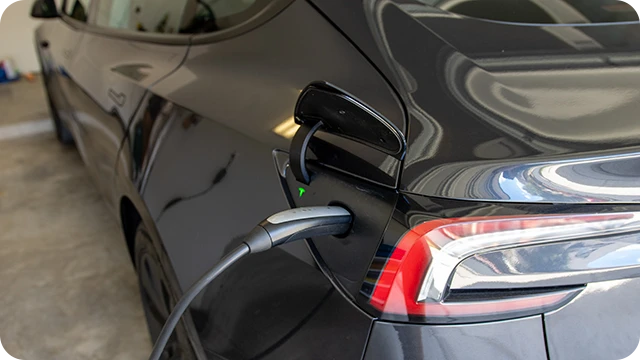
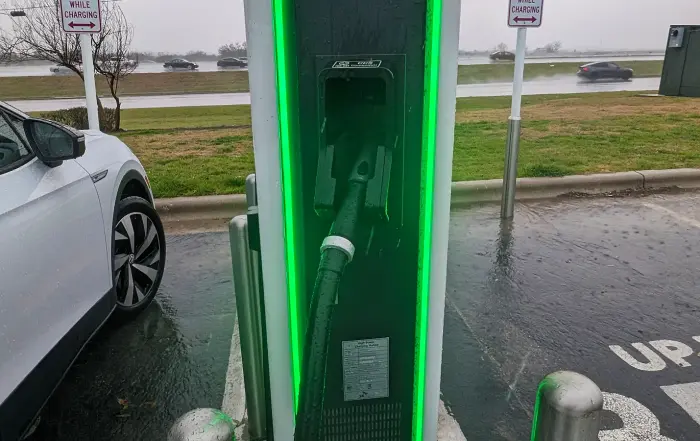
How you charge any EV can impact its battery health over time.
All Teslas come with a battery warranty, guaranteeing at least 8 years or 100k miles with 70% usable capacity retention.
Outdated Hardware
Finally, there’s the question of whether or not you care about Tesla’s Full Self-Driving (or, “FSD”) software. Because if you do, you’ll want to keep in mind what version of the camera and computer hardware the car has. As of writing, Hardware 4 is the latest iteration, which Tesla released in H1 2023.
To find out what version of hardware any Tesla has, go to Controls > Software > Additional Vehicle Information on the touchscreen.

The screen will show which FSD hardware you have (“Full self-driving computer” is hardware 4).
Where to Buy From
You have many different options for grabbing a pre-owned Tesla; I recommend two of them more than others.
Carvana/CarMax
I’d look at buying a used Tesla from Carvana and CarMax before anyone else.
Pros of Buying From Carvana/CarMax
- They offer a 7-10 day return policy.
- This means you have time to take the car and find out if any rattles, squeaks, gaps, or other issues exist.
- It may also give you time to have Tesla perform an inspection and find out whether they are willing to address any concerns you’ve identified under warranty. If not, then you can just simply return it.
Cons of Buying From Carvana/CarMax
- Carvana/CarMax set prices, and you cannot negotiate them.
- They may not know intricate details about a specific car or be able to accurately answer EV-related questions in general.
Tesla.com
Buying directly from Tesla’s used inventory (via their website) comes with a couple of distinct advantages and is the second place I’d look.

If you buy a used vehicle from Tesla, you’ll pick it up at the service center nearest you.
Pros of Buying From Tesla Directly
- Tesla adds an additional 1 year and 10k miles to the basic warranty for all used inventory, even if the factory warranty already expired.
- A Tesla Advisor can discuss any issues you’ve found. They’ll also clarify if the warranty addresses them.
- Tesla performs a 102-point inspection on each car upon arrival at their service center.
- A knowledgeable team member can show you how to use the mobile app and in-car software, as well as answer any questions you may have.
Cons of Buying From Tesla Directly
- Tesla sets prices, and you cannot negotiate them.
- The delivery fee can get quite expensive if the car you want is across the country.
How to Buy
- Go to Tesla’s used car marketplace and browse available inventory there.
- Once you’ve decided on a car, you’ll need to place a $500 deposit that is non-refundable except in the case you apply for financing through Tesla and are not approved. You can also apply this deposit to a new car purchase if you change your mind.
- Tesla will deliver your car to the nearest service center. Depending on its originating location, delivery is free or up to $2,500.
- Before scheduling your delivery date, you’ll need to submit all paperwork through tesla.com including your driver’s license and insurance.
- You can pay cash, finance with Tesla, or use your own third-party financing.
Private Parties/Marketplaces
There’s not really anything different about buying a used Tesla from a private party or a marketplace like findmyelectric.com.
Pros of Buying From a Private Seller
- You can ask the seller questions directly and they can help you get to know the car and its history.
- There may be wiggle room to negotiate and get a better deal.
Cons of Buying From a Private Seller
- You miss out on the extended warranty from Tesla.
- You can’t return the car if you find some issues that the seller didn’t disclose or that Tesla won’t fix.
Dealerships
I’d go with this option last for many reasons. There’s typically no benefit to buying a Tesla from another dealer, and they often don’t know much about them or electric cars in general, which could lead to confusion about the car’s features, how to operate it, and so on.
Pros of Buying From a Dealer
- If you are good at negotiating, you may be able to get a better deal.
Cons of Buying From a Dealer
- If you aren’t good at negotiating, you may pay a lot more for less.
- Dealers often don’t have advanced knowledge of EVs in general, so you could drive off the lot with many questions you’ll have to research on your own.
What to Look For
Here are key aspects to inspect when buying a used Tesla, including common issues with older models.
- Included Hardware
- Check the vehicle information screen (Controls > Software > Additional Vehicle Information) to confirm the following:
- Hardware Version – (e.g., Hardware 3, Hardware 4, “Full Self-Driving computer,” etc.)
- CCS Adapter Support – If enabled, you can use CCS-based fast chargers with an adapter. If not, an optional retrofit typically costs $300-$400 if you’d like to use them.
- CPU Type – The AMD Ryzen chip is the latest and fastest offering; the Intel Atom is older and slower.
- Heat Pump – This can significantly improve efficiency in winter.
- Charging Test
- If possible, try plugging into both a Tesla Supercharger and a regular wall outlet (they use different components), and make sure the car will accept a charge.
- SSD
- Check the center console or glovebox for a solid-state drive, which is needed for Sentry Mode and other features. You can always purchase one if it’s not there.
- Vinyl Condition
- Look at all vinyl surfaces, including the steering wheel, door panels, and seats, for any degradation or damage.
- Frunk Alignment
- Open and close the front trunk (frunk) to ensure it’s properly aligned and not deformed, as it’s quite thin and easy to damage over time.
- Battery Cell Type
- Ask the seller about the battery cell chemistry (Nickel Manganese Cobalt, or “NMC”; or Lithium Iron Phosphate, or “LFP”), as this will slightly impact how you’ll want to charge the car over the long-term.
- Included Charging Equipment
- Is the seller providing a home charging cable with the car like Tesla’s mobile kit or will you have to buy your own? Depending on the answer, you can use this to help negotiate the price from dealers or private parties.
- Tire Tread Depth
- Pay extra attention to tire tread depth, as EV tires can wear down more quickly due to their extra weight and high torque motors.
- Rattles & Squeaks
- Test drive the car at highway speeds to see if you hear any rattling, squeaking or other unwanted noises.
- Door Alignment
- Ensure that all four doors close properly and are aligned.
- VIN Match
- Believe it or not, people have been sold used Teslas where the VIN didn’t match the paperwork, which can create a lot of hassles.
- You can easily find it on the screen by going to Controls > Software.
Buying Used Checklist
There are some important things to do prior to and after finalizing your used Tesla purchase.

If possible, you’ll want to get any used Tesla inspected by Tesla.
- Be sure to double-check with the seller that the car has the exact features you want and don’t assume based on model year.
- Unlike other automakers, Tesla has implemented “continuous improvement,” and that means cars from the same production period can often have different features.
- This could be anything from different headlight designs, inclusion or lack of a heat pump, and, as I previously mentioned, older FSD hardware.
- Determine if charging equipment is included and ensure the seller leaves it in the vehicle when you drive off.
- Thoroughly inspect and test-drive the vehicle. Look for unwanted noises or problems; this is even more critical than with other brands.
- If you buy from CarMax or Carvana and have the ability to return the car, I’d schedule an inspection ASAP with a Tesla service center to have them check it out.
- If you go with a private seller instead, it’s always worth requesting that they get an inspection report from Tesla to show that there aren’t any issues.
- Be sure that once you sign paperwork, the seller transfers ownership to you, which gives you control over the vehicle in the mobile app.
- Sellers can do this through the app or via Tesla’s website.
- If they forget or otherwise fail to do so, you can request ownership through the Tesla app after creating an account using the menu item “Add Product.”
- Just be sure to have the vehicle’s bill of sale or other supporting documentation available.
Buying Used Can Be a Good Idea
Pre-owned Tesla sales are increasingly common and much like buying any other used car. Plus, depreciation often impacts electric vehicles more than gas-powered cars due to their luxury price points and rapidly evolving technology. Choosing used means you’ll likely avoid the worst part of it, while still getting 90% of the ownership benefits. Therefore, I’d say a used Tesla can be a great option for those who don’t need the latest updates.
FAQ
Here are some answers to common questions you may have.
Where Is the Best Place to Buy a Used Tesla?
The best place to get a used Tesla will likely be Carvana, CarMax, and Tesla.com. Carvana and CarMax offer return policies, which give you a chance to thoroughly test out the car and get it inspected. Buying from Tesla directly through their website comes with an inspection, as well as a 1-year, 10,000-mile extended basic warranty.
Should You Buy a Used Tesla?
Going with a pre-owned Tesla allows you to experience most of its great features without having to take such a big hit on upfront depreciation. They can still be fun and enjoyable vehicles with tons of life left in them that allow you to drive the future, today. The only real downside is if you want the latest improvements or features, you may not find them on the used market.
What’s the Best Used Tesla to Buy?
The Tesla model that will be right for you depends on a number of factors, like how big of a car you need and how much range you want. If we are talking pure value, then a Long Range Model 3 or Model Y built in H2 2023 that includes Hardware 4 for FSD, a heat pump, and the latest infotainment system processor, are going to be the sweet spot for most.
How Do You Buy a Used Tesla?
You can buy a used Tesla just like any other car, including through local car dealerships, online marketplaces like Carvana, and from Tesla themselves. Outside of getting ownership of the vehicle associated with your Tesla account, the rest of the process is essentially the same as any other car.
Sources
Related Articles